
 Sentence Flow
 Problem Mapping
 Modeling Pad
 Problem Solver
 Call Analyzer
 Challenge
 Receipt
 Feedback Work
 Student Feedback
 Employee Feedback
 Meeting
 Function at Location
 Poll
Poll Natural DictionaryVISUAL MODELING
Project, Model, and Understanding
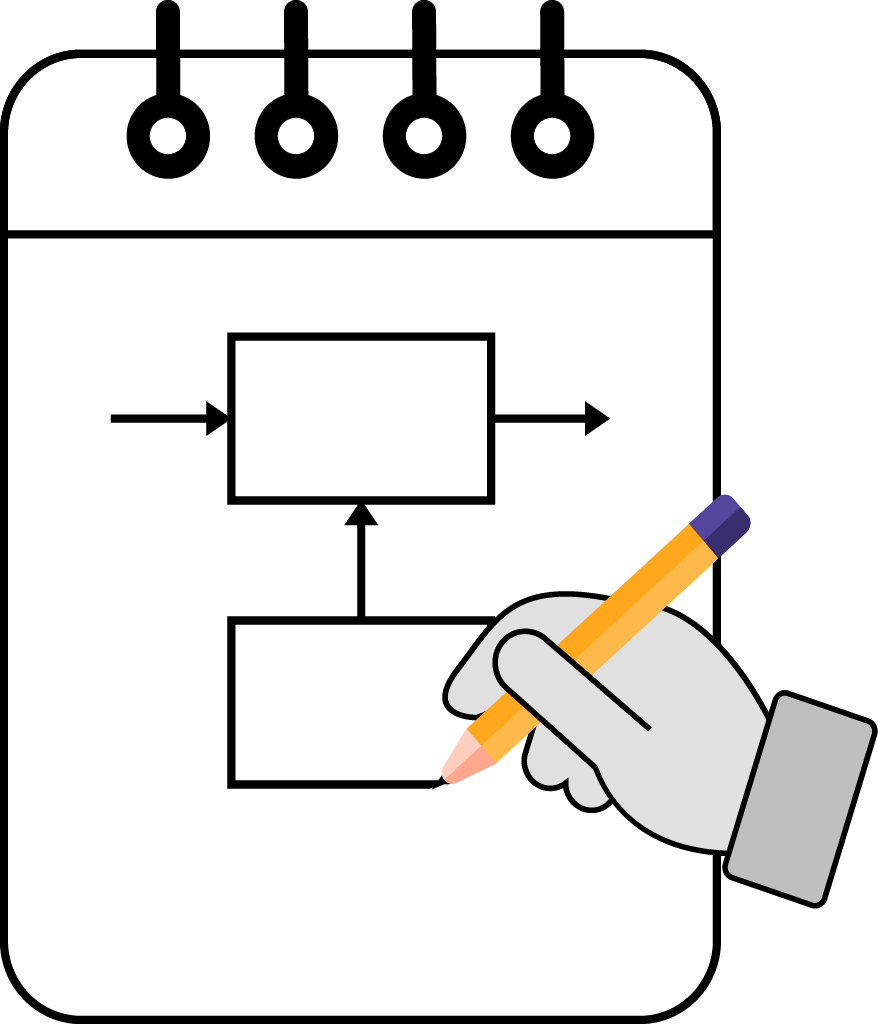
Working on a project to solve a problem requires an understanding of the project. By modeling our projects, it helps us better understand our projects, which can lead to solving the problem the project exists to solve. Using the Speak Logic Modeling Pad, we can model any projects or applications we are working on, where the models can be shared with multiple users.


Using the Speak Logic Modeling Pad, the project is broken down, and every element in the project is identified. Doing so enables us to have different models of the project. For example, we can have models where people in the project are identified. We can also have models to show the interaction of people in the project with other project elements to show the flow of the project.
The Speak Logic Modeling Pad is like modeling our applications with our hands using a pen and paper. We can identify multiple people in our project, select them and group them. For example, a group of mechanics can be identified. Where the group itself also has the same property as a group of people who are identified naturally.
The app enables us to identify and separate entities that make up our project, entities such as person, principle, employee, application, function, problem and so forth. Once the entities are identified and separated, they can also have natural properties, where we can handle them through specific messages or alerts that are related to their natural properties.
Get Speak Logic Modeling Pad
Every app has a full web preview you can explore. Native downloads are coming soon.

Create a single project with multiple models, where each model is related to a specific part of he project. The models are natural to the project. Each model enables users to view different parts of the project that are separate from other parts . For example, we can have a model of people and a function, where we can have another model of people and communication.

We can have multiple models of the project, where some models can be related to communication of the people, where some other models can be related to the internal view of he people, which we call theory domain models. We can also have stability models of the project to show the execution of the project related to time.

Projects can be shared with other users as well as specific models. Projects can be saved locally as well as in cloud storage selected by users. Projects can be moved from local storage to remote storage as well as from remote storage to local storage.

While users can use their hands to draw models , some entities are given if users prefer to use them with limited hand drawing. For example, the person entity, the main set, the sub set and so forth. To help users identify and separate the problem and the solution, the cover entity is given, where users can use it to show the separation of a person and the problem solved or to be solved.

During the modeling, the user can identify entities with a specific color and signals. For example, the flow of an entity may be related to a specific type of signal. This process helps users identify project elements as well as the flow of those elements.
I used to struggle with explaining complex projects to my team. The Speak Logic Modeling Pad changed everything for me. Now I create simple models that show exactly how each part of the project works together. My team understands the big picture much better, and our meetings are more productive. The app is so easy to use that I can create a new model in just minutes.
 Maria RodriguezProject Manager
Teaching math concepts to students was always challenging until I found this app. I use it to model math problems and break them down into smaller parts. My students can see how each step connects to the next one. The visual models help them understand difficult topics much faster. Even my struggling students are getting better grades now.
 Samuel AdeyemiHigh School Math Teacher
Running my bakery involves many moving parts, from ordering supplies to managing staff schedules. The Speak Logic Modeling Pad helps me map out all my business processes. I can see where problems might happen before they occur. The best part is that I can share my models with my employees so everyone knows their role. It has made my business run much smoother.
 Sarah LindqvistBakery Owner